Finding a life partner should not mean giving up your privacy.
At TwoHearts, you decide what information you share, who can see it, and when your profile is visible to other members.
To make privacy management simple, we've placed most privacy settings in one location so you can easily manage them at any time.
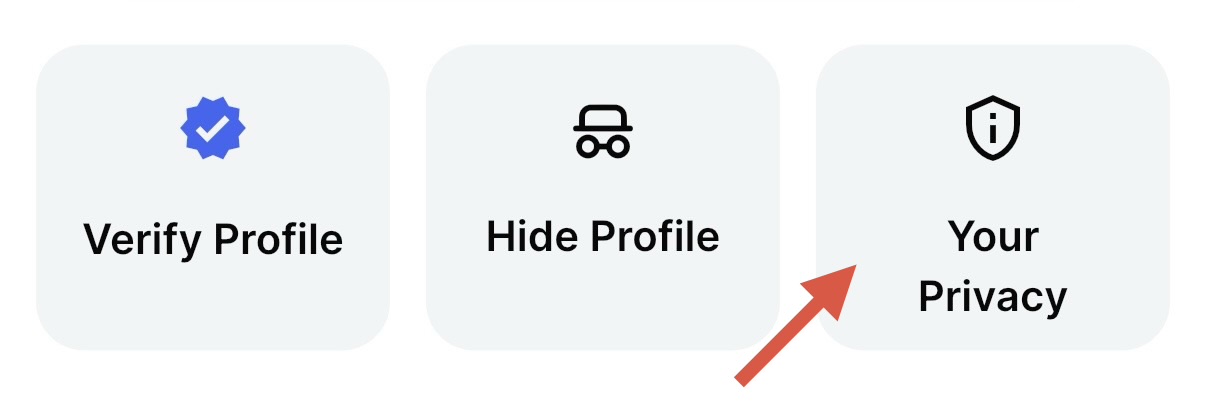
Go to:
Profile → Your Privacy
Understanding Privacy Levels
Depending on the information, you may see one or more of the following privacy options:
Public
Visible to all eligible members who can view your profile.
Matched Users Only
Visible only to members you have matched with. A match is created when:
You accept their interest request, or
They accept your interest request.
Private
Not visible to other members.
Your Privacy Screen
Here you can manage who can see your:
Profile Photo
Mobile Number
Email Address
Horoscope Information
Social Media Links
These settings can be updated at any time to match your privacy preferences.
Profile Photos
Control who can view your profile photo.
Available privacy options:
Public
Matched Users Only
Share your photos only with members you are comfortable with.
Mobile Number
Your mobile number is never automatically shared with other members.
Available privacy options:
Public
Matched Users Only
Private
You decide who can view your contact number.
Email Address
Your email address remains private unless you choose otherwise.
Available privacy options:
Public
Matched Users Only
Private
You remain in control of who can access your email address.
Horoscope Information
If you have added horoscope details to your profile, you can control who can view them.
Available privacy options:
Public
Matched Users Only
Social Media Links
You can choose whether your social media profiles are visible to other members.
Available privacy options:
Public
Matched Users Only
You can change these settings at any time.
Hide Your Profile
Need a break from searching?
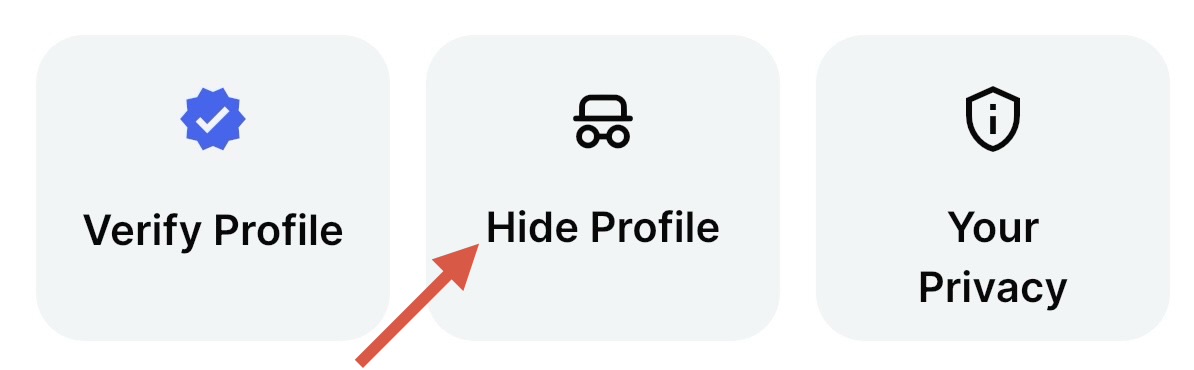
You can temporarily hide your profile through:
Profile → Hide Profile
When your profile is hidden:
Your profile will not appear to other members.
Your online status will be hidden.
Members you have already connected with through interests or chats can still view your profile.
You can make your profile visible again at any time.
This is useful if you want additional privacy or would like to pause your search without deleting your account.
Additional Privacy Tips
To help keep your information safe:
Only share personal information with people you trust.
Take time to get to know someone before sharing contact details.
Review your privacy settings regularly.
Use the Block and Report features if you encounter inappropriate behaviour.
Never share OTPs, passwords, or financial information with other members.
You're Always in Control
Whether you prefer maximum privacy, sharing information only with matched members, or temporarily hiding your profile, TwoHearts gives you control over your personal information and visibility.
You can update your privacy preferences at any time through: